
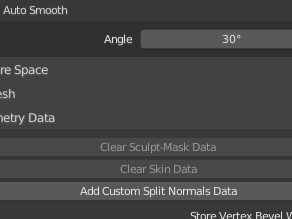
Geometry data such as when importing a model created with another modeling softwareAuto Smoothis grayed out and cannot be set.
How to fix
Open the Geometry Data in the Object Data panel, and the button at the bottom is "Add Custom Split Normals Data” is displayed.
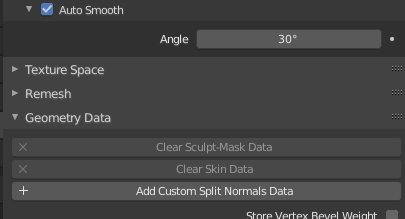
If this isClear Custom Split Normals Data, click Clear Custom Split Normals Data.
Check again if Auto Smooth is grayed out. I think it's fixed.


 EN
EN  JA
JA