
Post-rendering retouch
In architectural visualization, after rendering, it is finally done with image editing software such as photoshop.Retouchand finishoften
Also, designers who cannot handle CG softwareimage editing softwarewithExamining and correcting color toneThere is also a request that I want to.
When retouching with image editing software,Quickly select the part you want to fix(Mask) Can you do it?has a great influence on working hours.
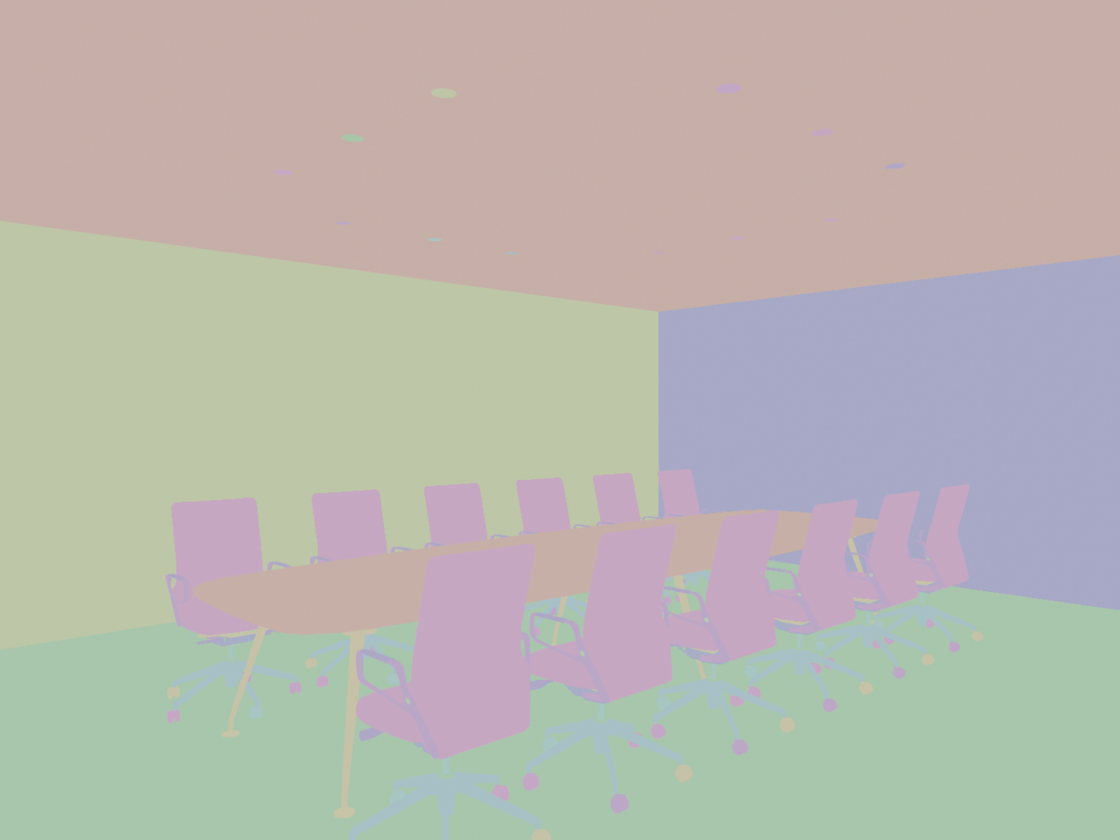
If you output an image like the color coding chart below, you can use image editing softwareColor gamut selectionCan, making retouching easier. In other 3DCG software, it is called Material pass or Object pass.

Export Object pass in Blender
A normal viewport.
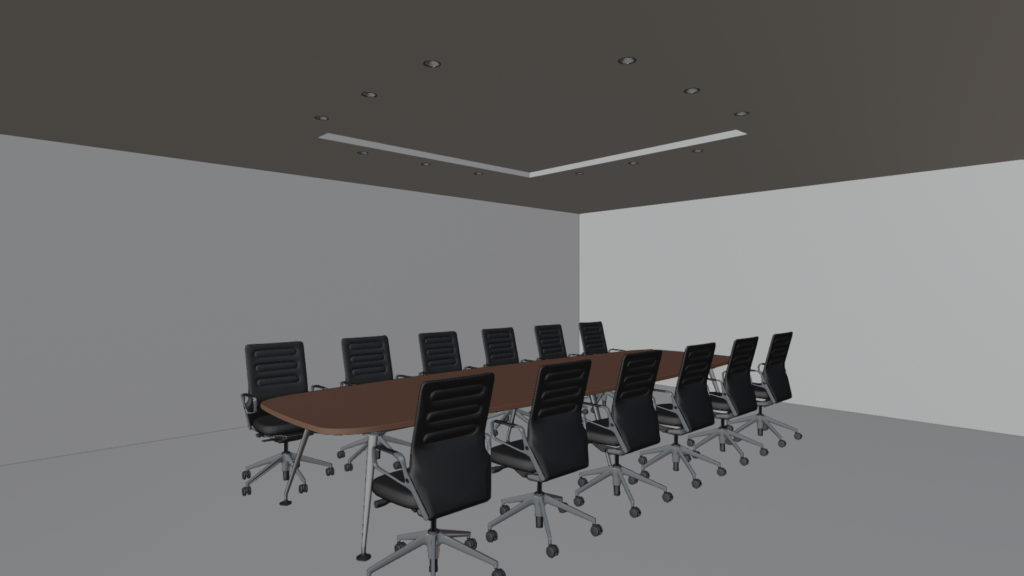
Rendered image. This time, I'm going to write out the Object pass and retouch this image to fix some of the wall colors.
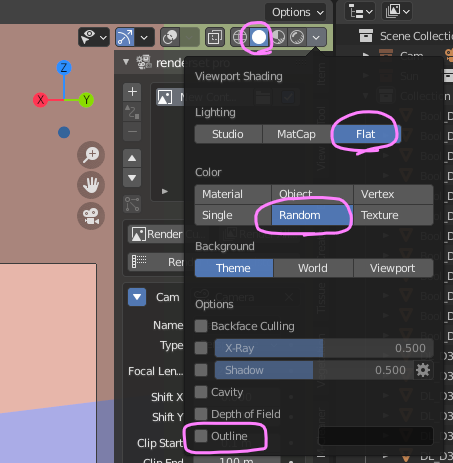
With Viewport ShadingSolidchoose.
LightingFlatchange to .
ColorRandomchange to .
Optionsuncheck. In particular, if Outline or Cavity is checked, beautiful color-coded images cannot be output.
from viewViewport Render Imageto export the image.
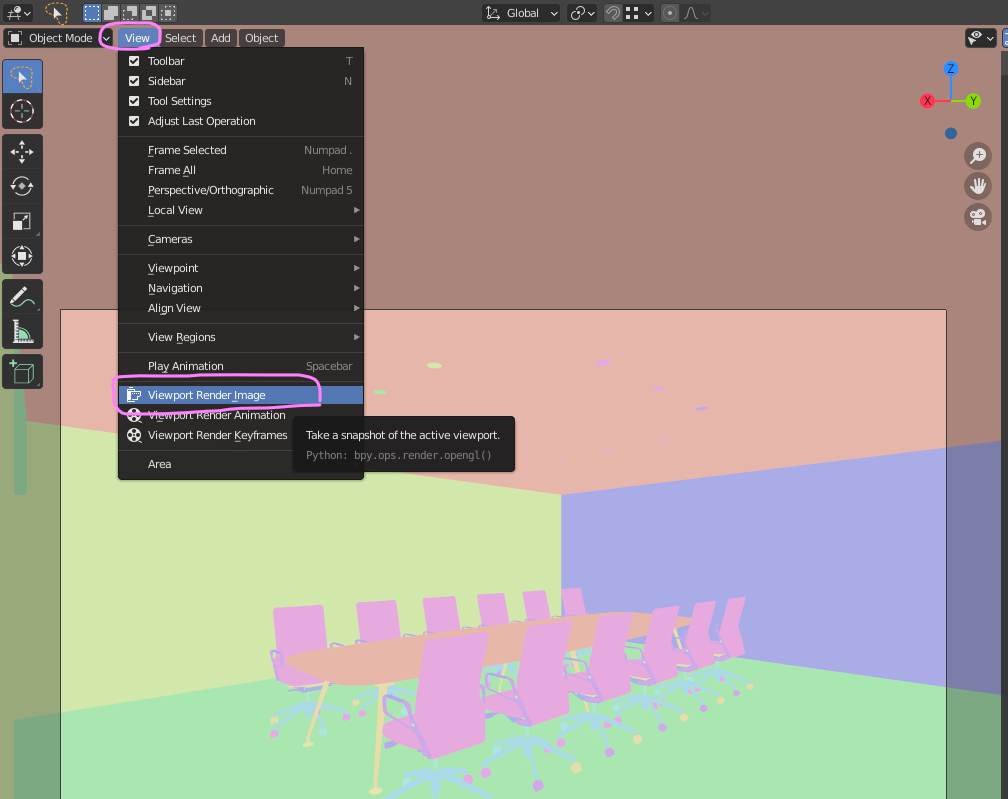
This is the written image.
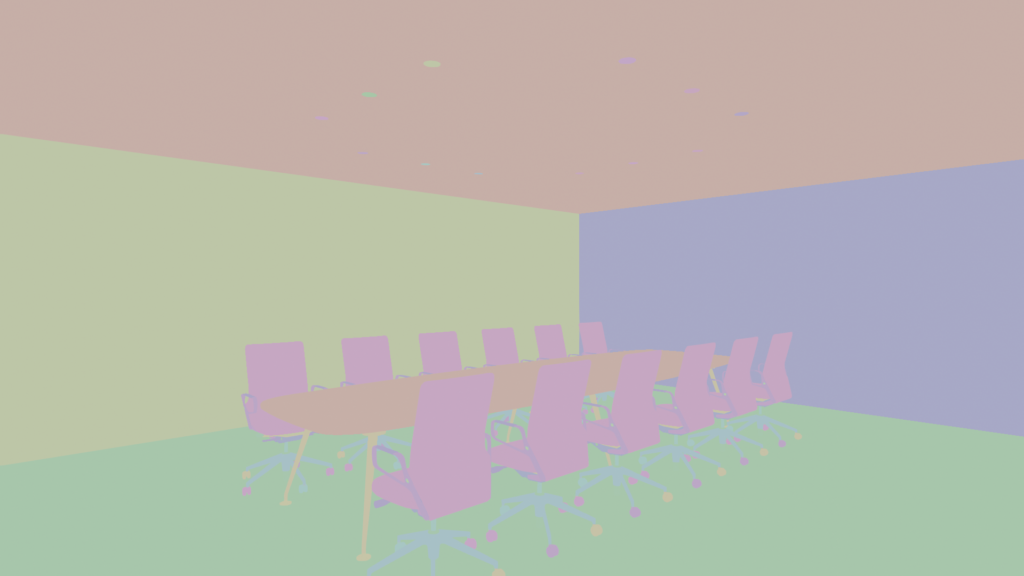
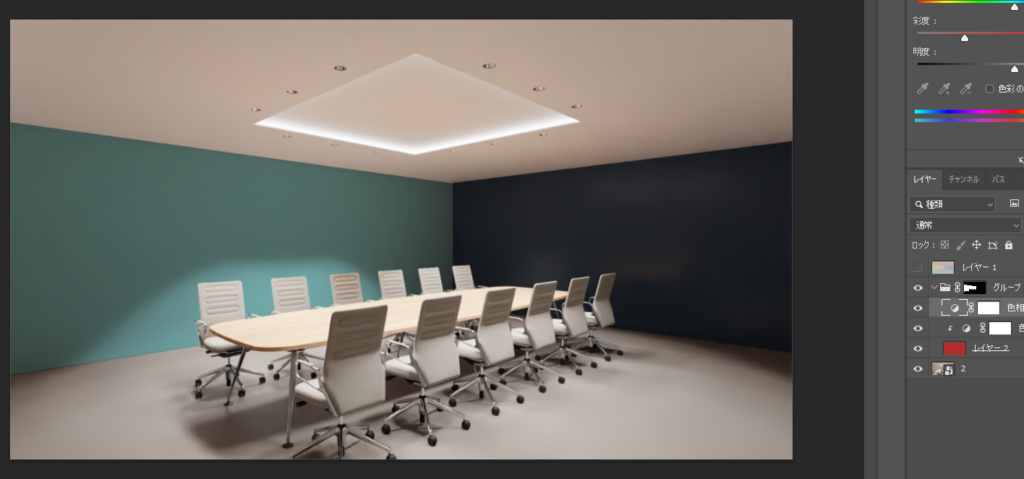
You can now easily select walls, floors, etc. by specifying the color gamut in photoshop.
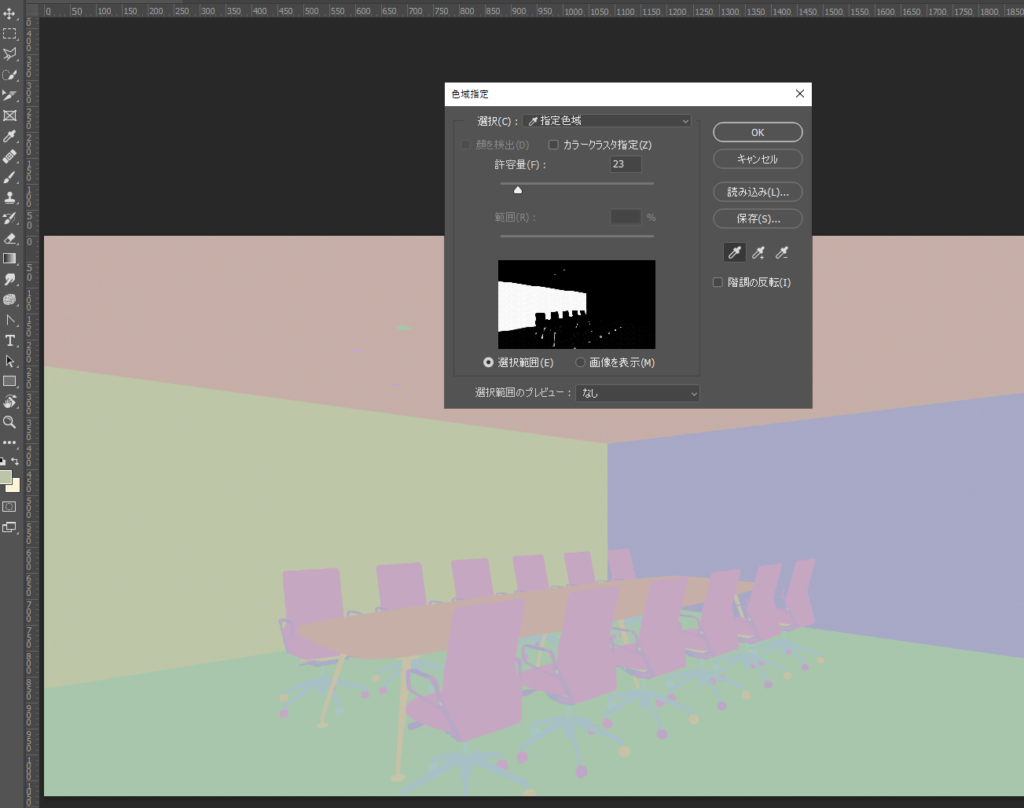
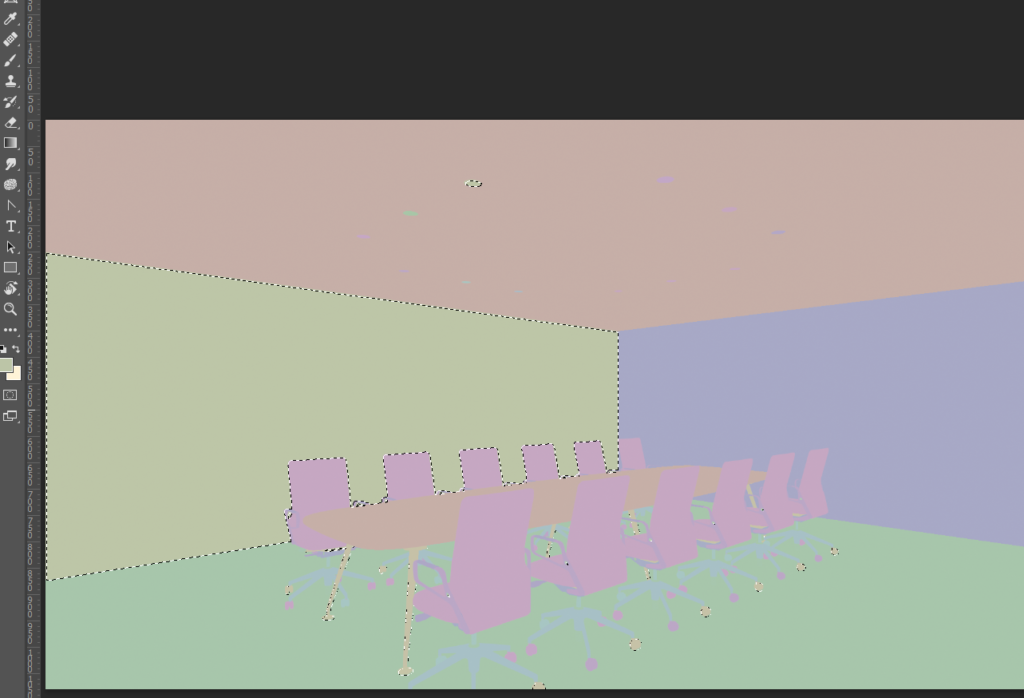
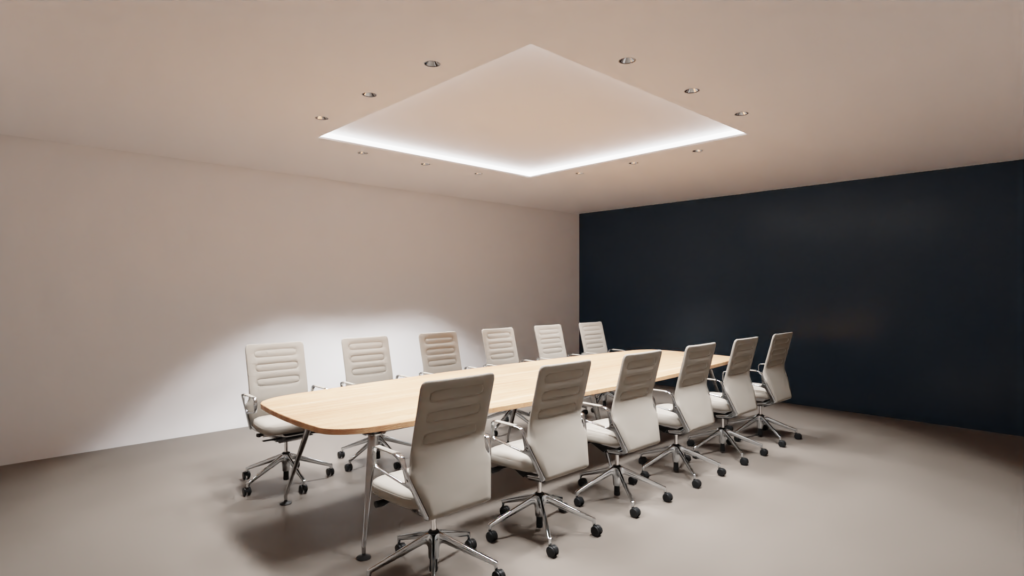
It is an image that changed the color of the wall in photoshop. I was able to create a mask easily.
To be honest, I feel that this writing process is a little time consuming.
I use the ID pass output frequently, so it would be great if someday Blender's rendering function would be prepared by default.


 EN
EN  JA
JA