
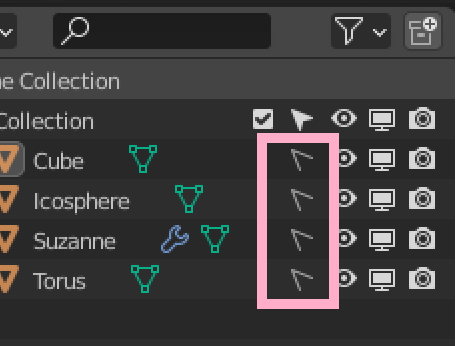
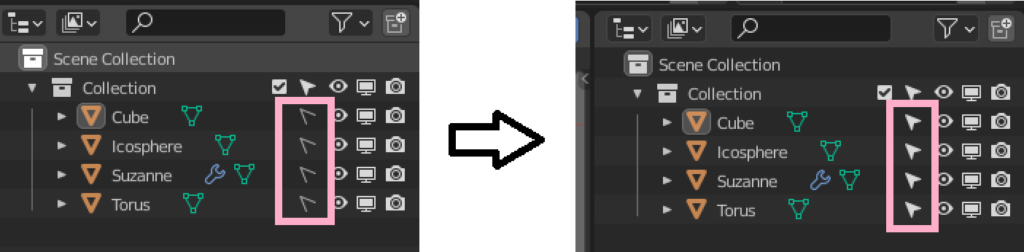
non-selectable object → selectable object
At present (2.93)You can't make non-selectable objects selectable all at once.
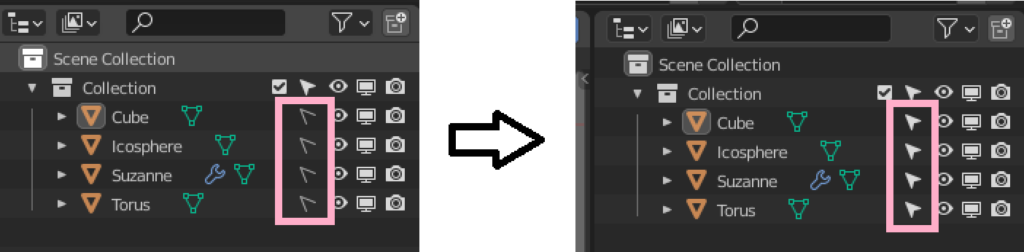
From the outliner if:Need to change to be selectable one by one.
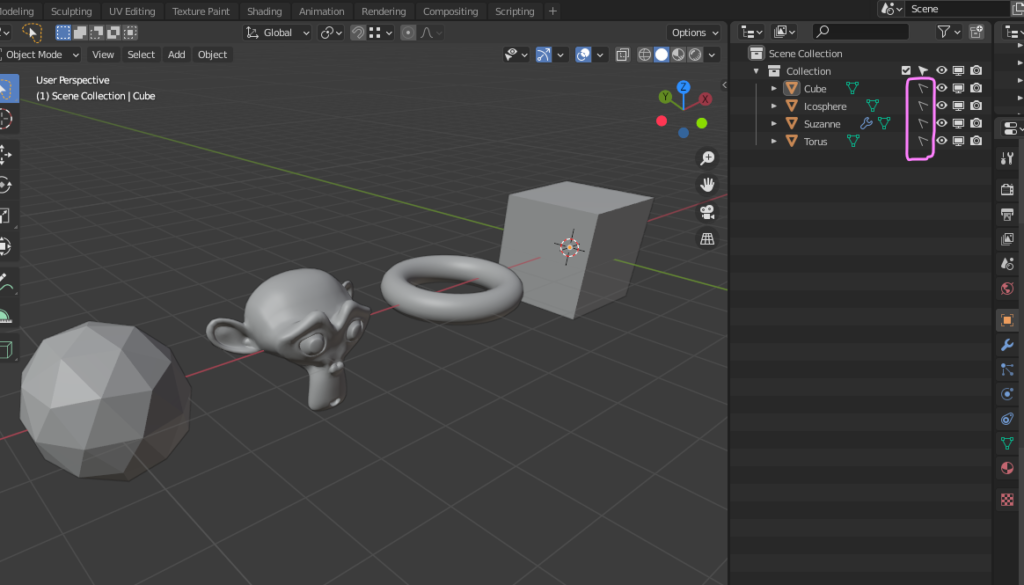
If there are few objects, I think this method is fine. However, when the number of objects to be managed increases or when they are managed by multiple layers of Collection,Clicking from the outliner is not practical.
When I faced this problem before, on an overseas forum, "Overriding properties with Python' was proposed as a solution. The procedure is very simple.
Overriding properties with Python
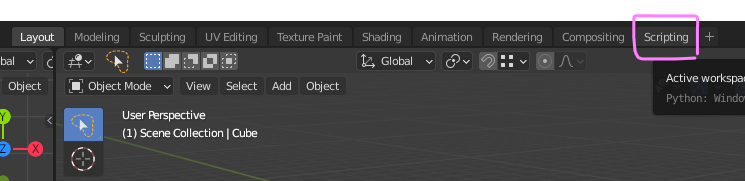
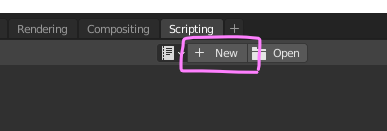
Change to Scripting layout.
Click New.
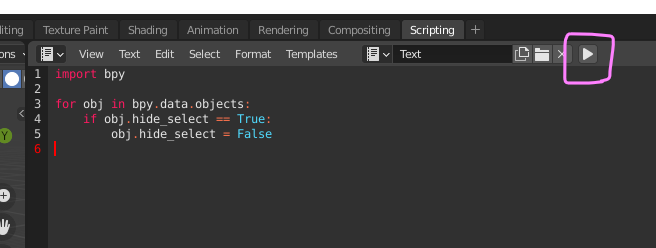
Paste the following.
import bpy
for obj in bpy.data.objects:
if obj.hide_select == True:
obj.hide_select = False
After pasting, press the Run button.
Once executed, all objects are now selectable.
The script I used this time is very simple. If you modify it, similar operations can be executed in Python. Even if you haven't touched Python yet, you may want to take this opportunity to try it.
Below is a link to the corresponding overseas forum.



 EN
EN  JA
JA