
Rendering multiple cuts
If you want to render your model from different angles, you usually need to do the following steps for each camera.
- Activate the camera you want to render
- Render execution
- Save rendered image with file name
It's a bit tedious to do this every time. In the field of architecture and product design, suchMultiple cuts are frequently requested.
Render Burst Addon
Render Burst Addonis the so-calledbatch renderingThis is an addon that runsRender multiple specified cameras one by one and save camera name as file nameThey will do it for you.
You can download it from below.
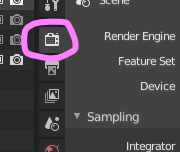
When the Addon is enabled, Render Burst is displayed in the render properties.
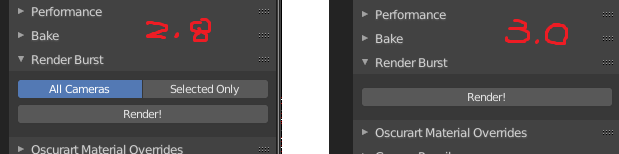
In the case of Blender 2.8x, I think it is displayed like this.
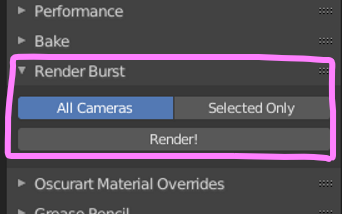
A very simple addon, just select "All Cameras" or "Selected Only" and click "Render!"
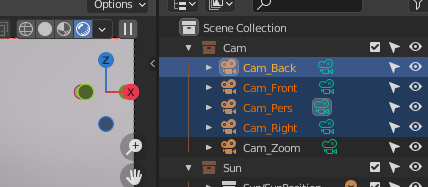
Select four cameras as a trial and click "Selected Only' to run it.
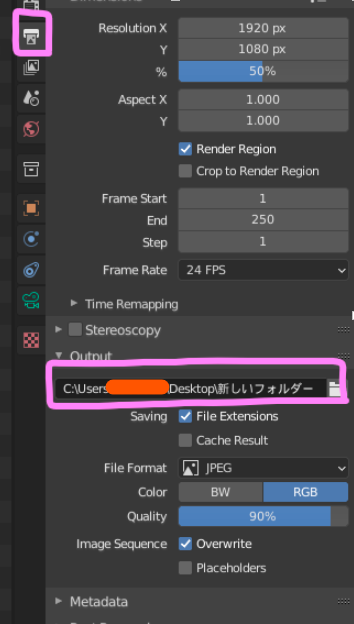
Set the file extension and save path in the output properties as usual.
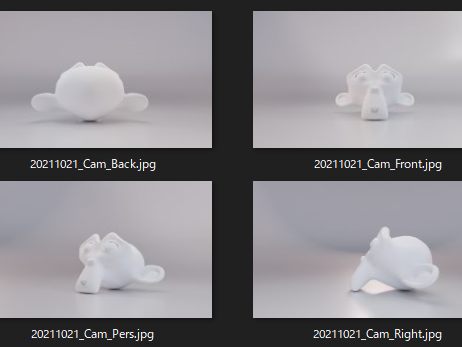
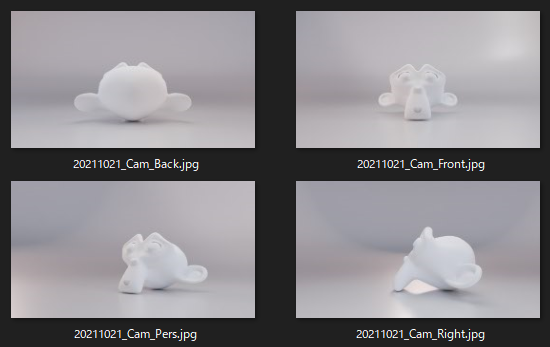
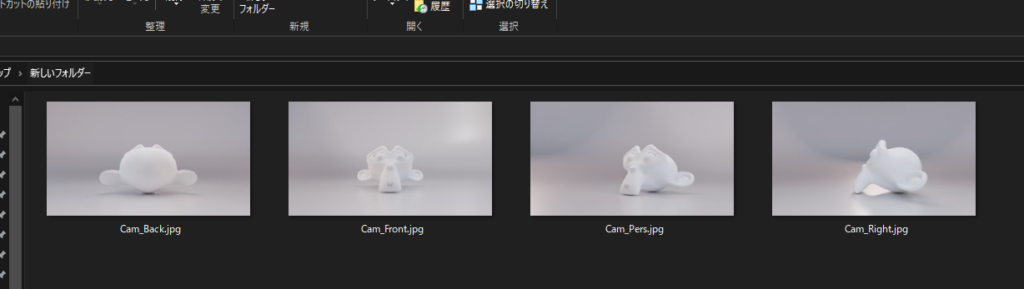
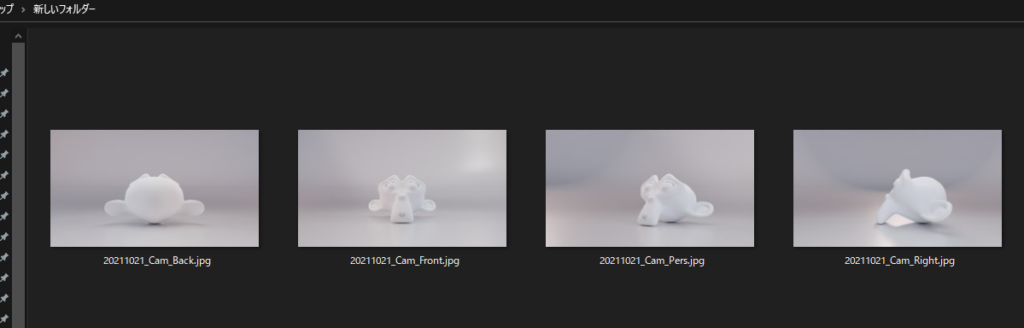
It was saved in the specified folder when executed.
error? ?
For some reason the "All Cameras" and "Selected Only" filters are not displayed in Blender 3.0.0 Alpha. "All Cameras" is selected by default, so in Blender 3.0.0 AlphaAll cameras are rendered.
Since I often run only with selected cameras,Rewrote Python to always run "Selected Only".
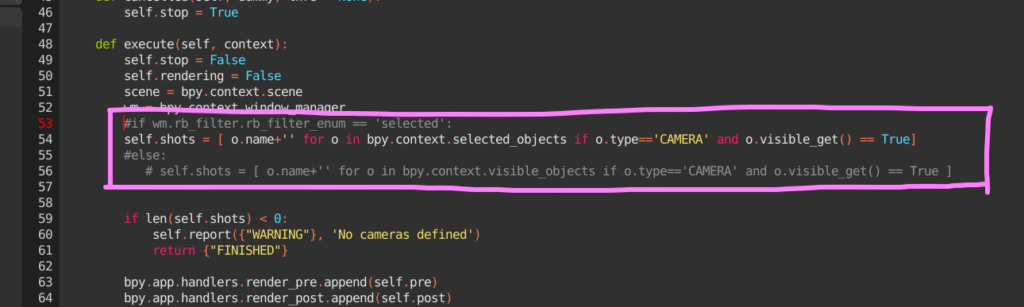
again,Rendered date prepended to file nameI rewrote it to be
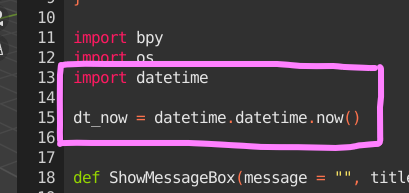
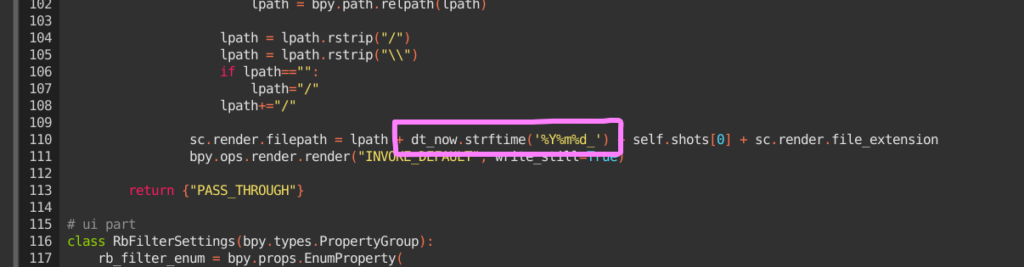
If you change these and add Addon again and rundate addedsaved.
There are several other addons for batch rendering, butRender Burst” is the simplest and easiest to use.

 EN
EN  JA
JA