
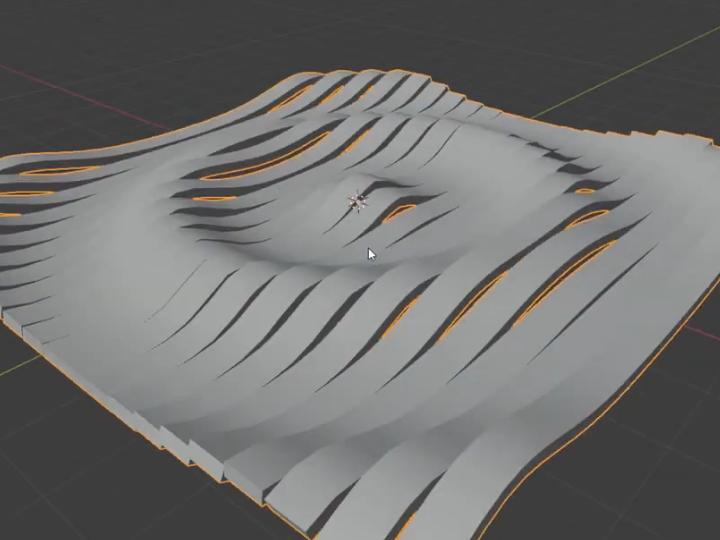
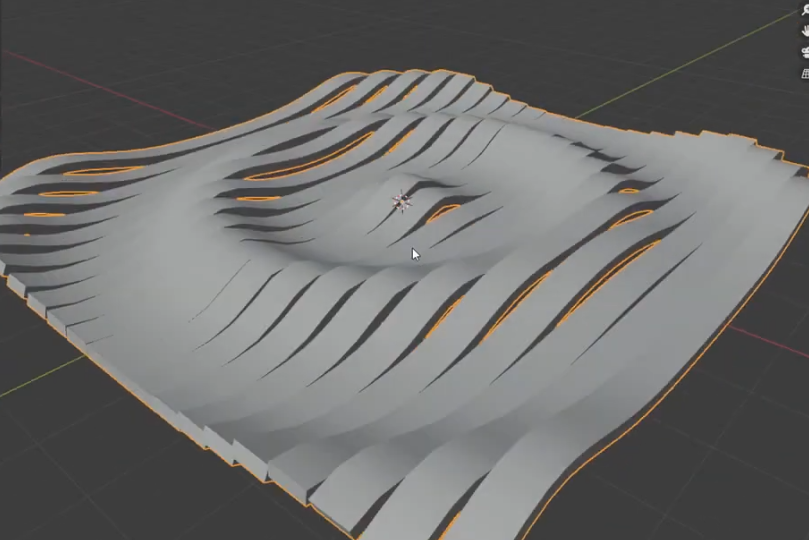
Blender's slack community "Blender for everyonewas consulted at
Wave-like band animationI would like to create a
I also uploaded a video on YouTube.
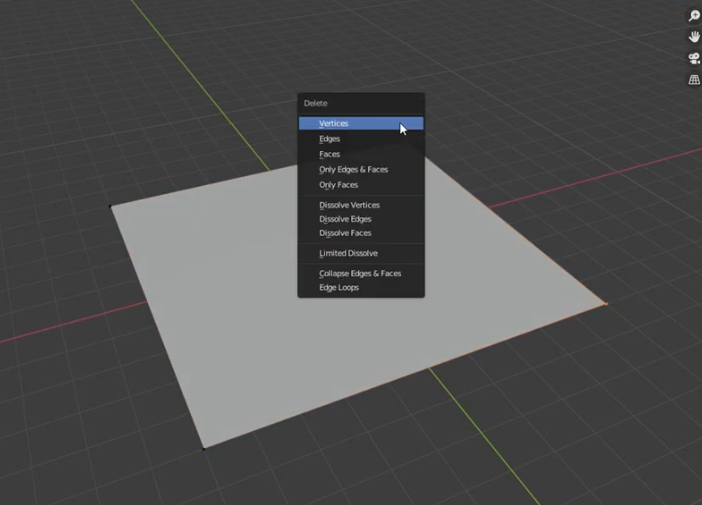
First, delete two points on the plane mesh to create a straight line.
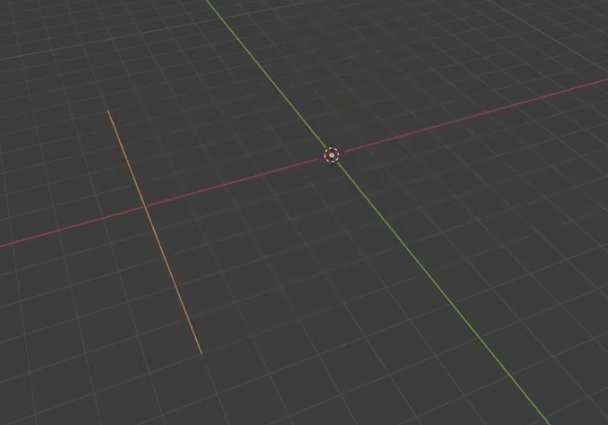
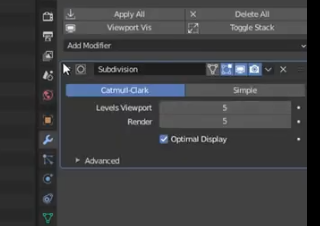
Subdivision modifierto increase the number of divisions. Since we just divided the straight line, the appearance does not change yet.
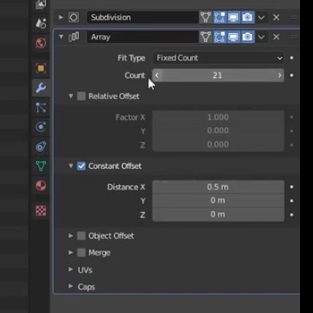
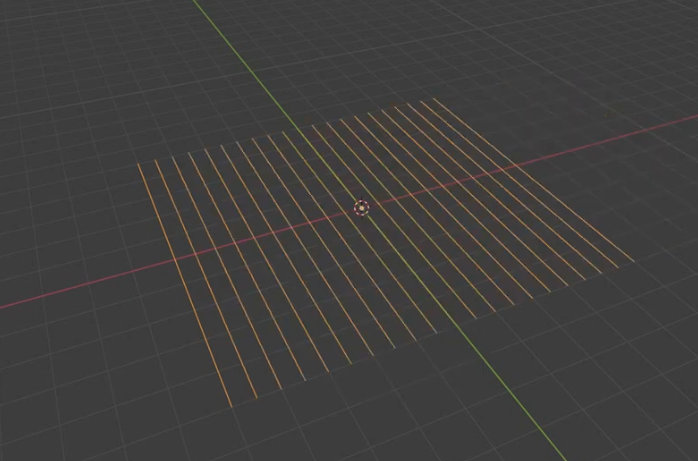
Array modifierto clone the array.
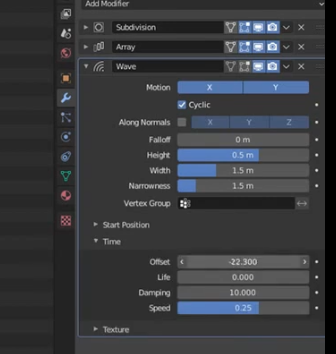
Wave modifierto add wave-like unevenness.
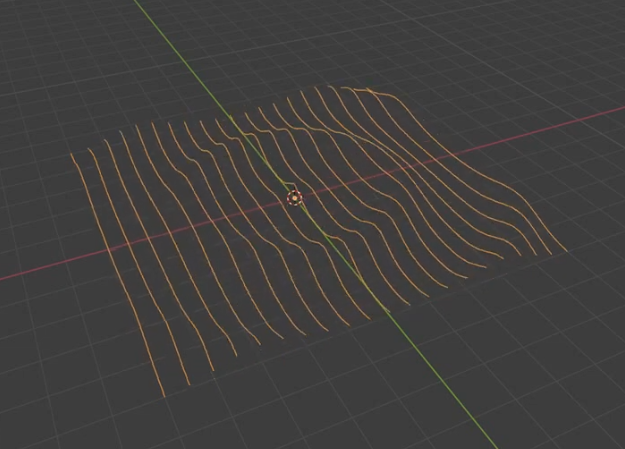
Screw modifierto give it a thickness (width).
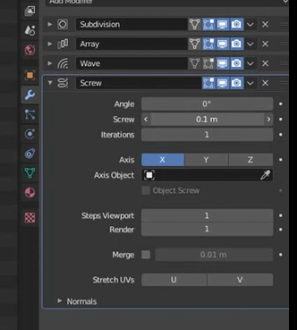
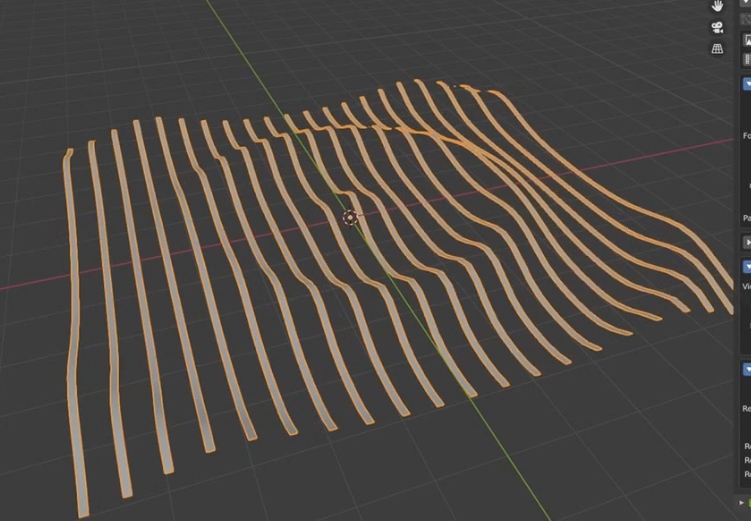
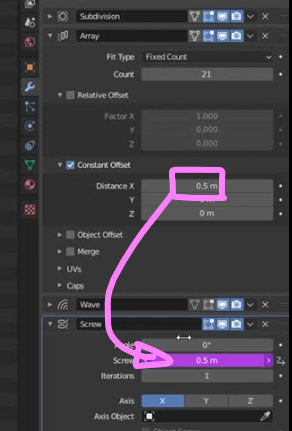
In order to have a gap-free width, set the Screw value to the same value as the Array modifier's Distance. Here I pasted as the driver.By using the driver, if you change the Distance of the Array modifier, the Screw value will automatically change to the same value.
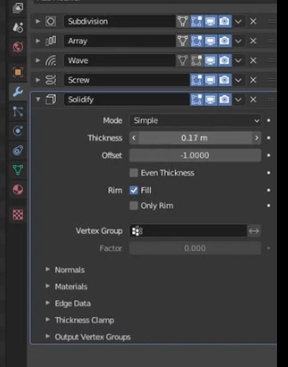
Solidify Modifierto give it thickness.
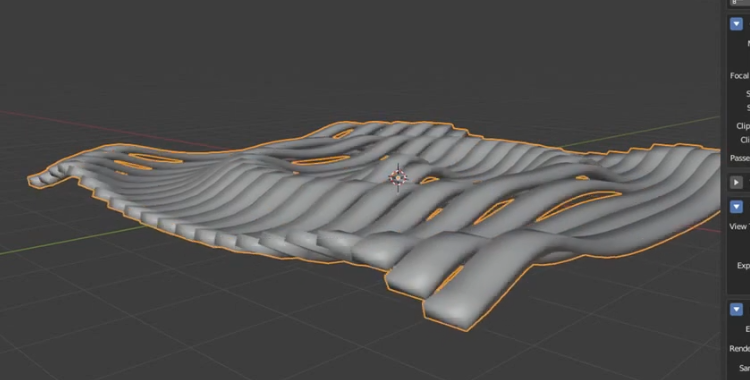
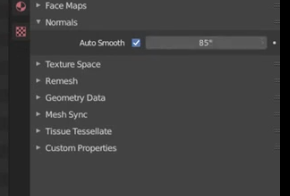
Auto Smoothenable
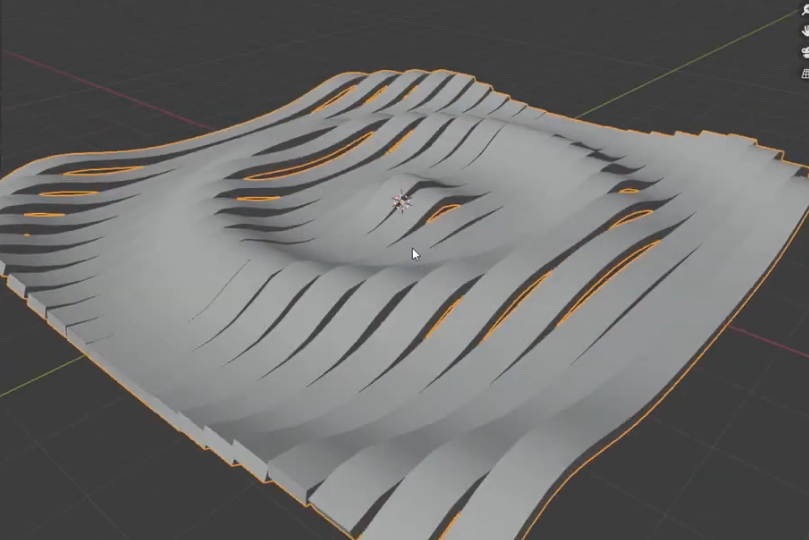
I used a Wave modifier this time to simplify it,Displace modifierIf you use , I think you can create animations with a higher degree of freedom.

 EN
EN  JA
JA