
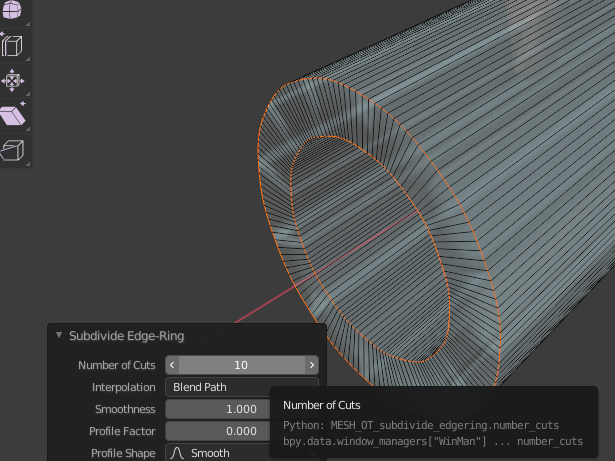
Smooth the low-poly cylinder
Cylindrical mesh made with low polyAdd polygon division toHow to make the mesh smootherIntroducing
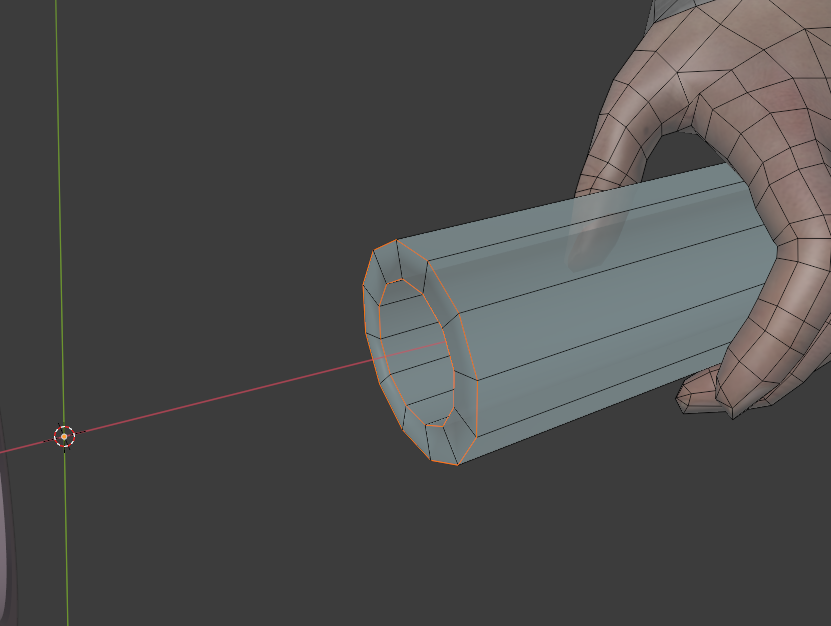
Assume a cylindrical shape with conspicuous jerking as shown below.
Select the edge of the end of the cylinder.
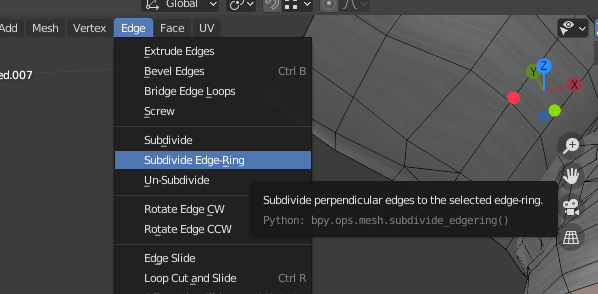
Edge→Subdivide Edge-RingChoose.
You can enter numerical values such as the number of divisions at the bottom left of the Viewport.
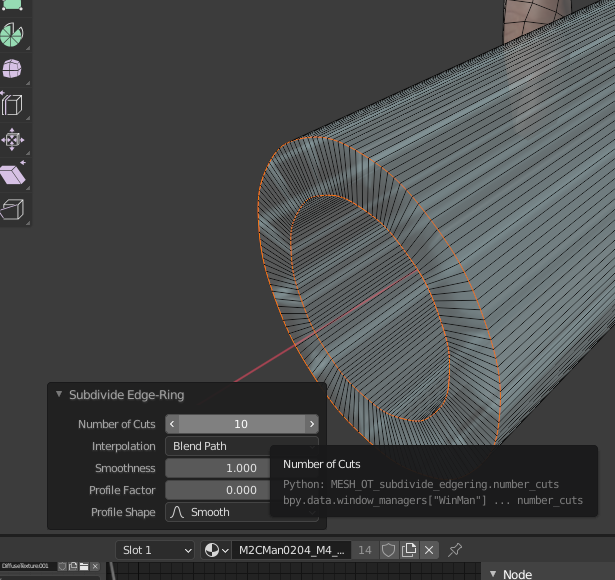
I increased the number of divisions to get a smoother cylindrical shape.

 EN
EN  JA
JA