
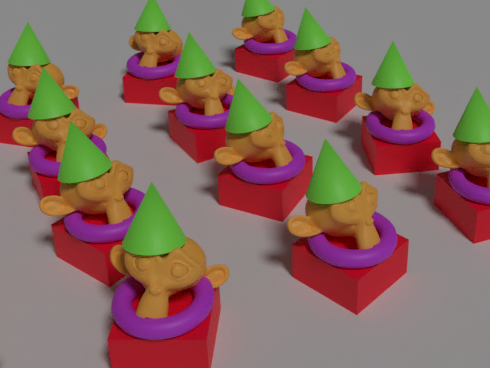
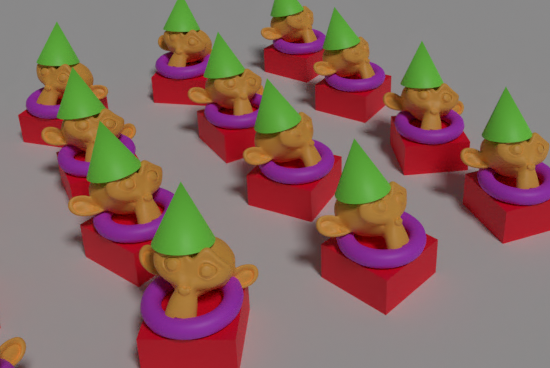
I want to orient the arrayed models in various directions
Randomly give a little rotation to the arrayed model made last time,An image that looks like it is arranged naturallyI would like to make
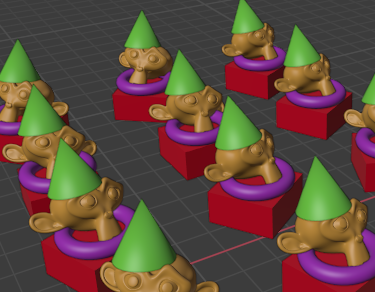
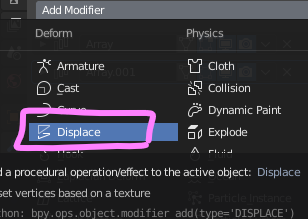
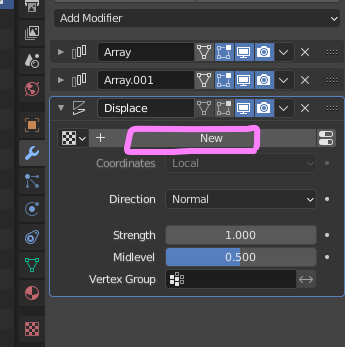
Displace modifierAdd
Add texture.
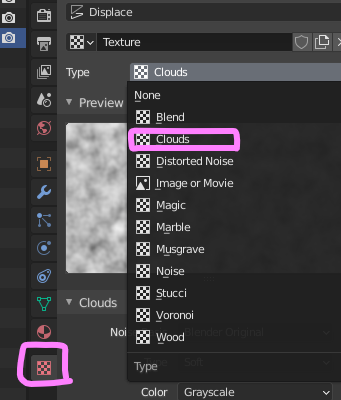
Go to texture panel,CloudsAdd
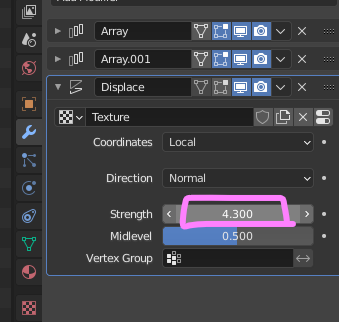
Go back to the Displace modifier settings and change the strength to your liking.
It looks like this. facing different directions,I want to fix the Z axisIsn't it?
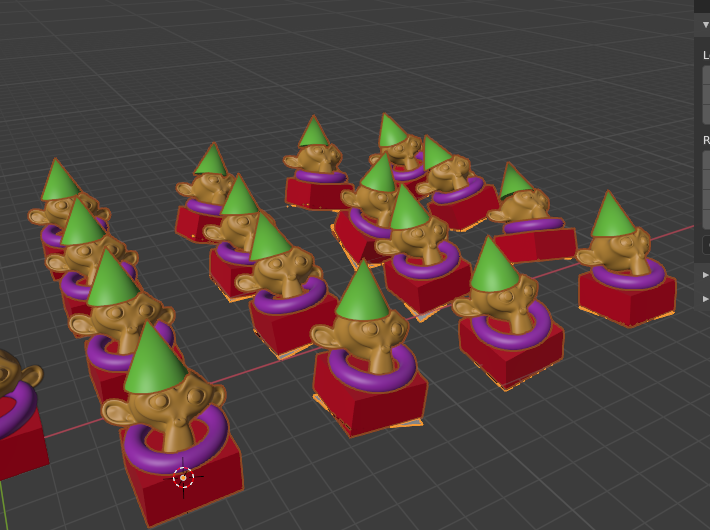
Displace modifierDirectionof"Y"Change to.
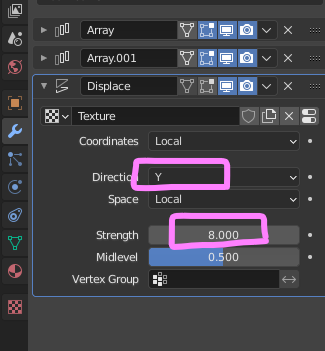
Change the direction while keeping the Z axis fixedI was able to.
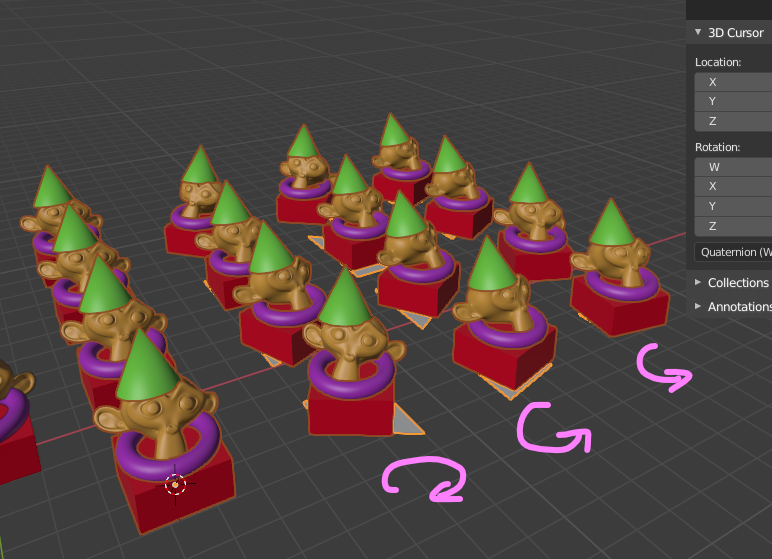
If you do not need Plane rendering, turn off the following.
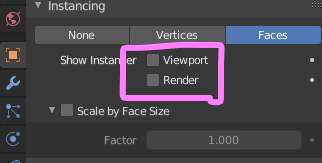
Plane has disappeared.
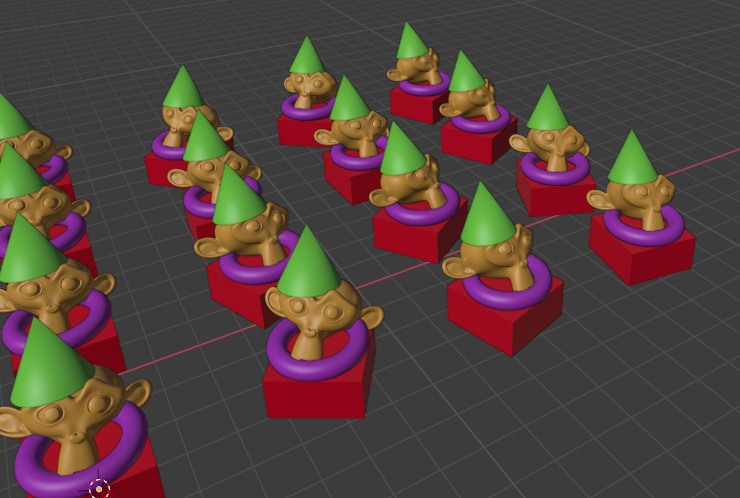
I use this technique for furniture, merchandise, lighting fixtures, and plant placement.
By applying the "Instancing" function of the Object property, the followinglego block animationcan also be created.
This tip is also based on Chris P's video. For those who are pursuing Blender's parametric modeling, very useful information has been published. Below is a link to Chris P's channel.
 EN
EN  JA
JA