
Simultaneous modification of object properties
It's not really well known.Object properties can be changed simultaneously for multiple objects.
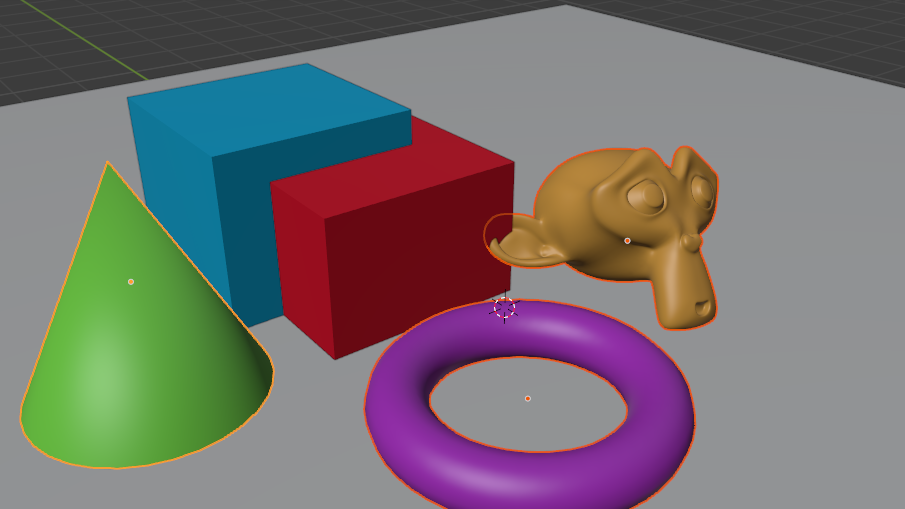
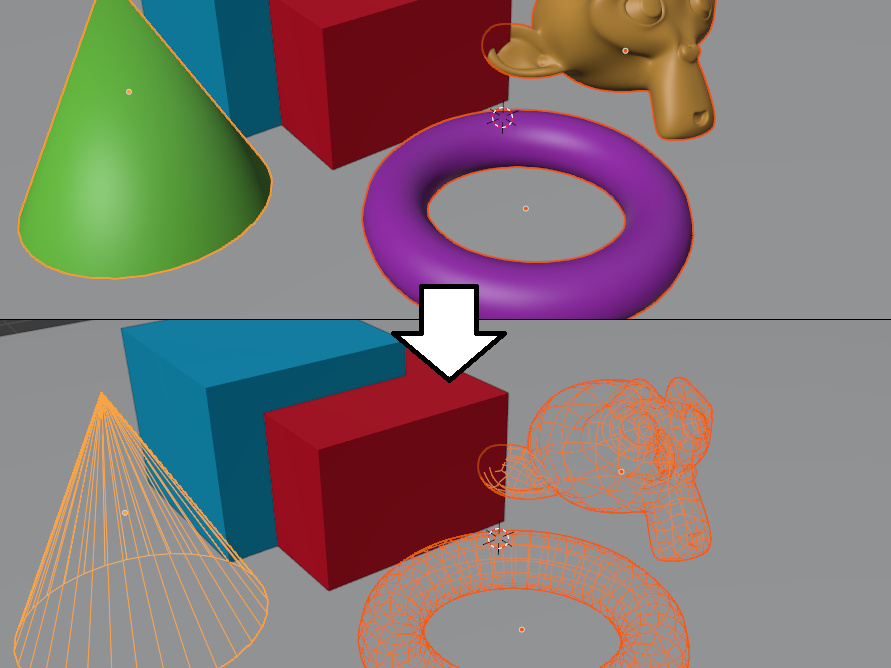
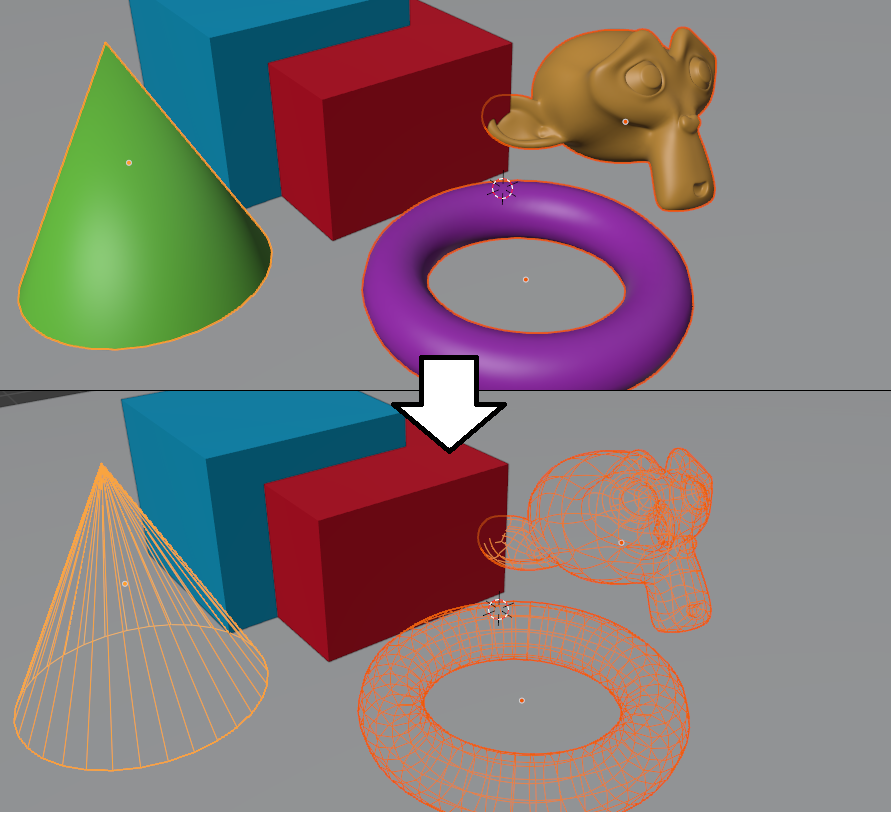
For example, in a scene like 👆, set "Textured" in "Object Properties" → "Viewport Display" → "Display As"Change to "Wire" for all selected objectsI'll try.
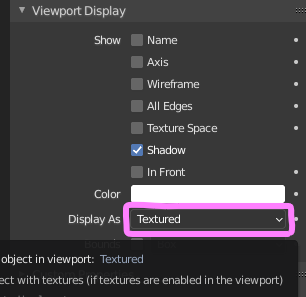
Select multiple objects, then select "Textured" in "Display As"ALT-clickand expand it. Select "Wire" as it is.
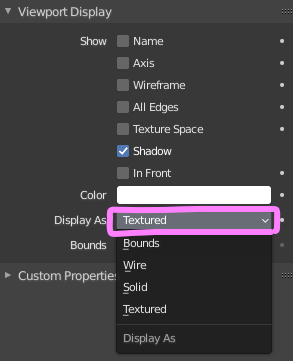
ThenThe "Display As" setting for all selected objects changes to "Wire".
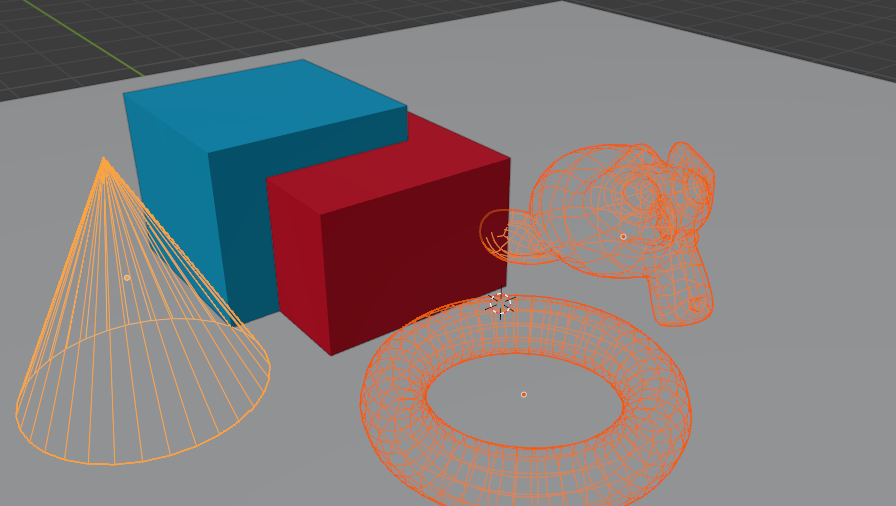
this"ALT-click the change item' technique is to use the 'Object Properties'Applicable to other items.
For example, if you ALT-click "Renders",
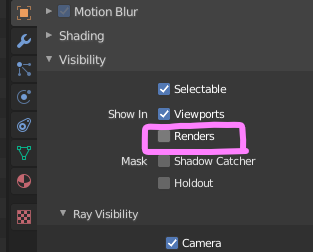
Turn off rendering for all selected objects.
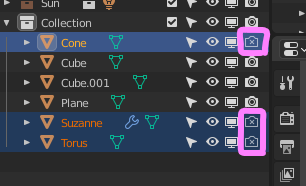
Can be used with modifiers
When the same modifier is applied to all selected objects, if you change the item you want to change with ALT click,Changes apply to all selected objects.
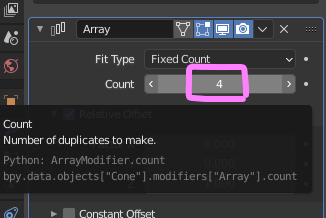
Try it with an object that has the Array modifier applied.
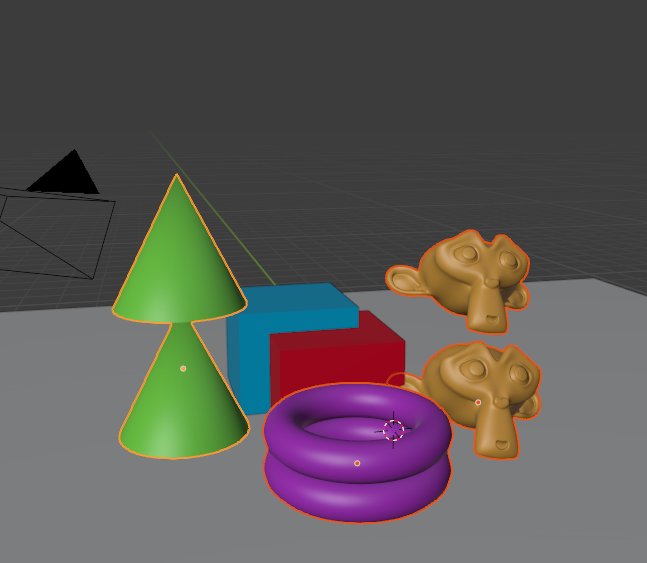
Try ALT-clicking the button to increase Count.
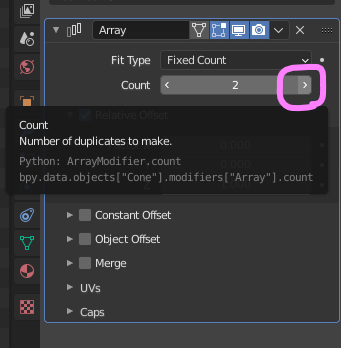
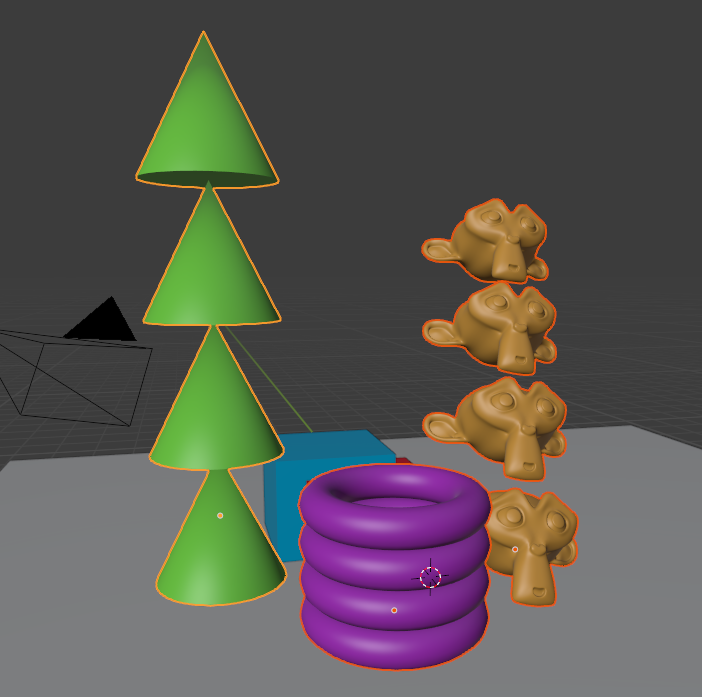
Applied to all selected objects.
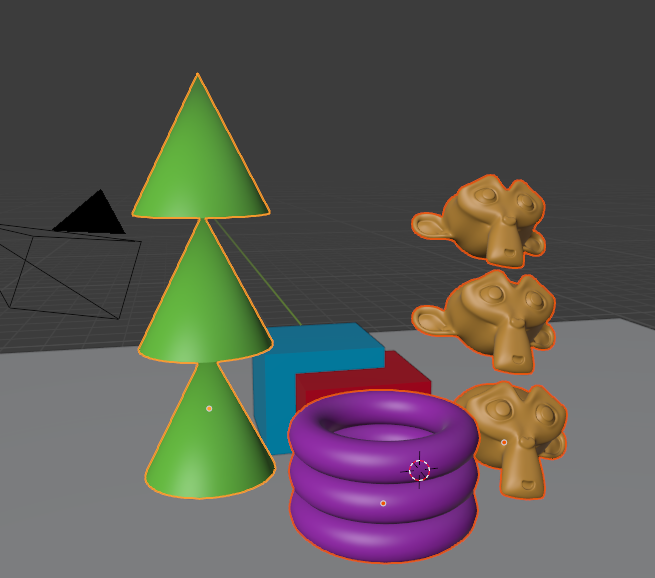
By the way, even if the Count has already shifted as shown below,Count number can be copied.
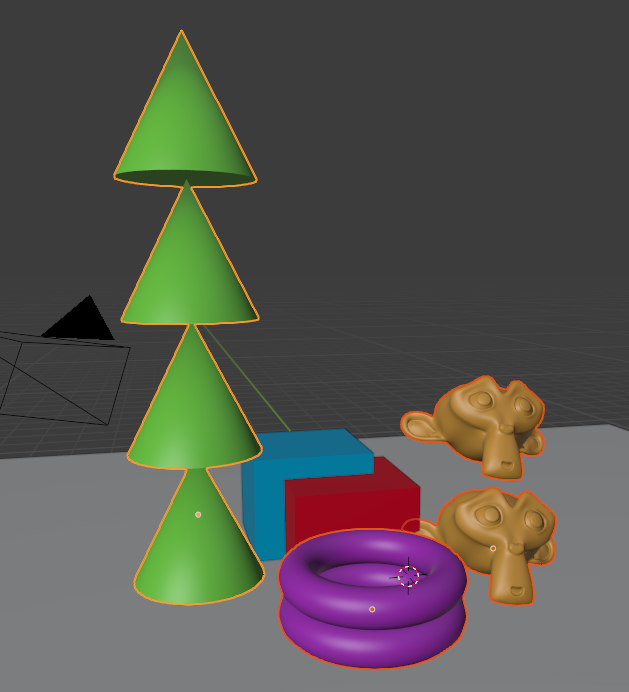
Right-click on Count, the data you want to copy.
"Copy to Selected"Click.
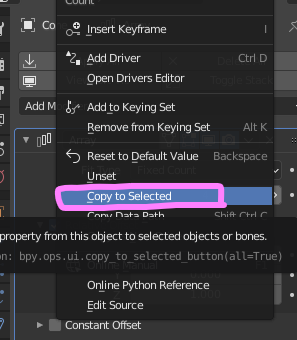
ThenCount number copied to other selection objects.
In Blender,Cannot link Object Properties or Modifiers between objects. Before I learned this technique, I used to make property changes to objects one by one. It is one of the essential techniques of today.
 EN
EN  JA
JA