
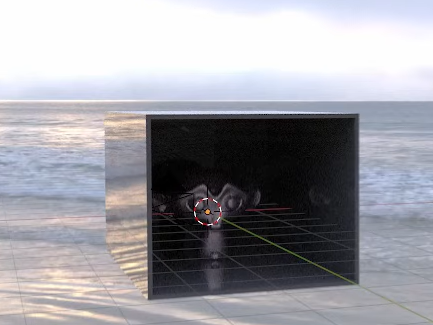
Introduced in this video,How to reduce rendering cost when using HDRII would like to pick up only the main points in Japanese.
Adjusted the number of samples in World
Using HDRI for World,In generalrender time increases. In the video, when using HDRI with a resolution of 16k, it is stated that the loading time of lighting increased and the rendering time increased significantly.
As a solution,How to adjust the number of World samplesis introduced.
By default, World's "Sampling"But"Auto”. "None, theFaster render times, but more noise.
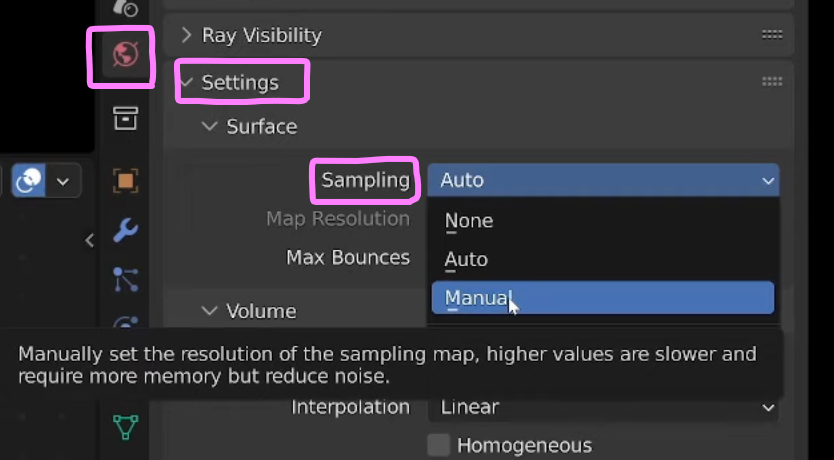
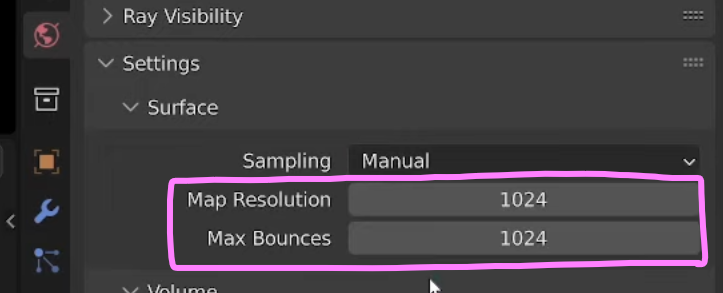
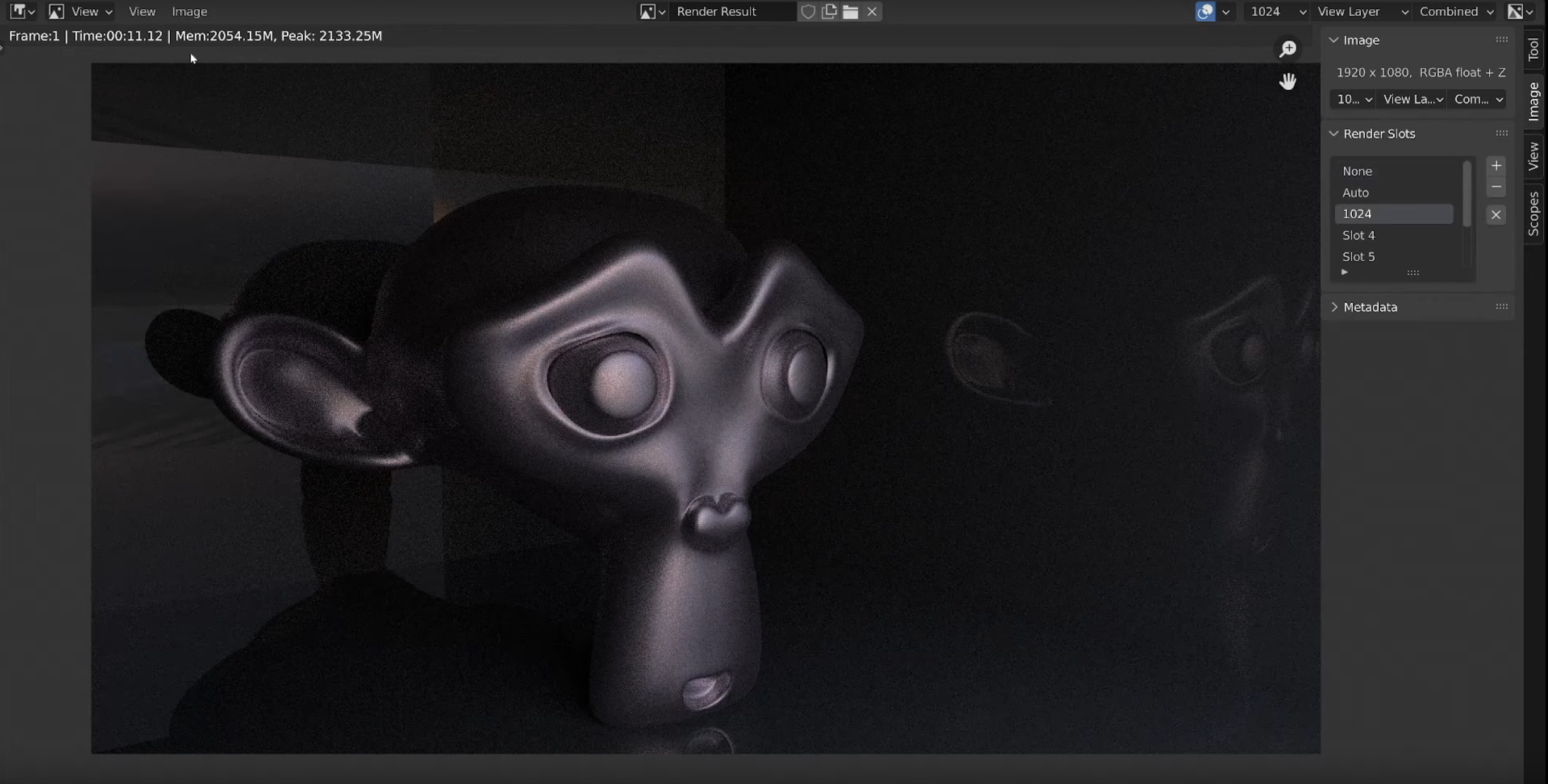
in the videoChange to "Manual"death,Set "Map Resolution" and "Max Bounces" to "1024"by doing,Rendering time does not increase so much compared to "None",Not much difference in noise compared to "Auto"It has been pointed out that
"None"in the case of,Render time is 9.5 secondsis. HoweverNoticeable white noise.
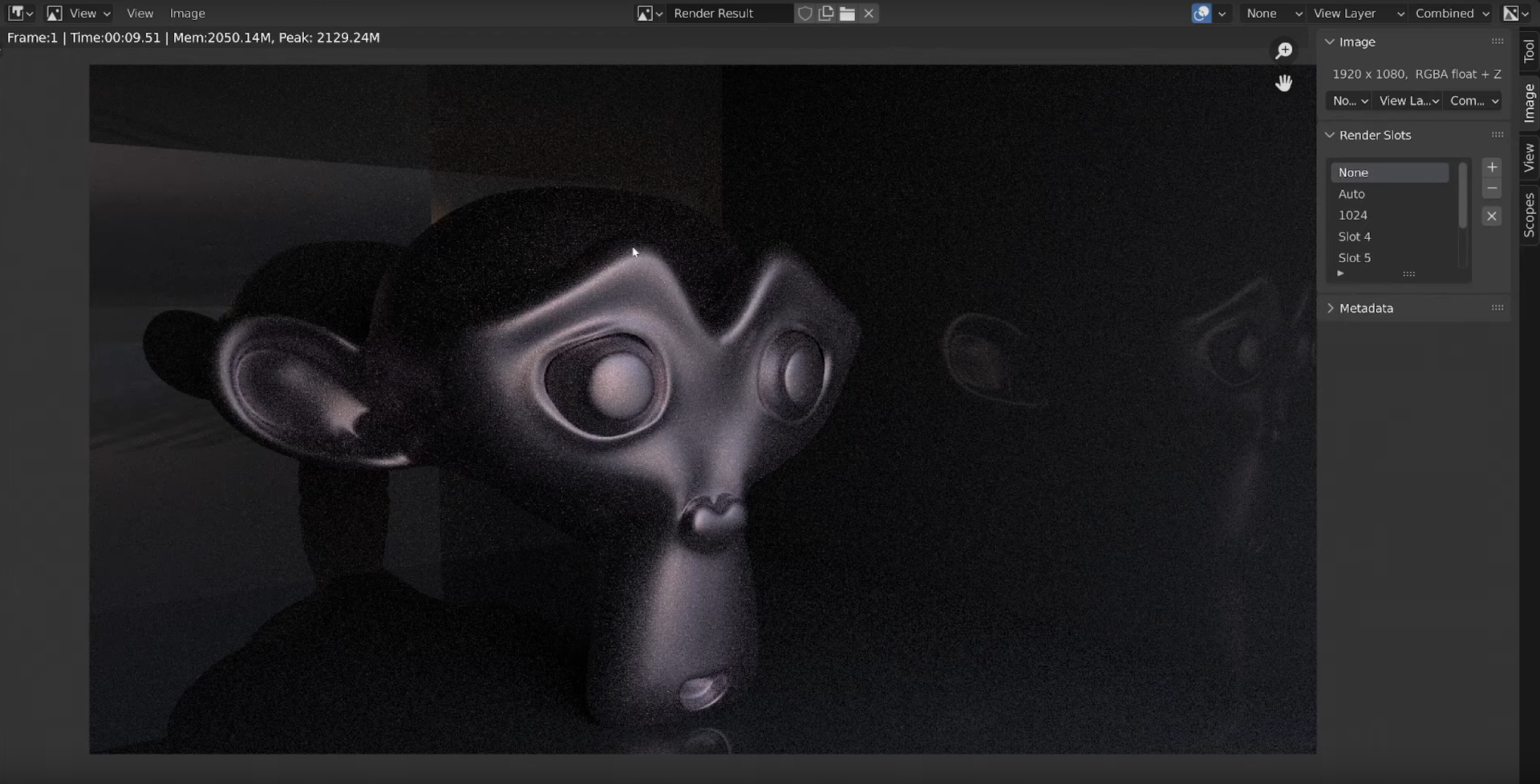
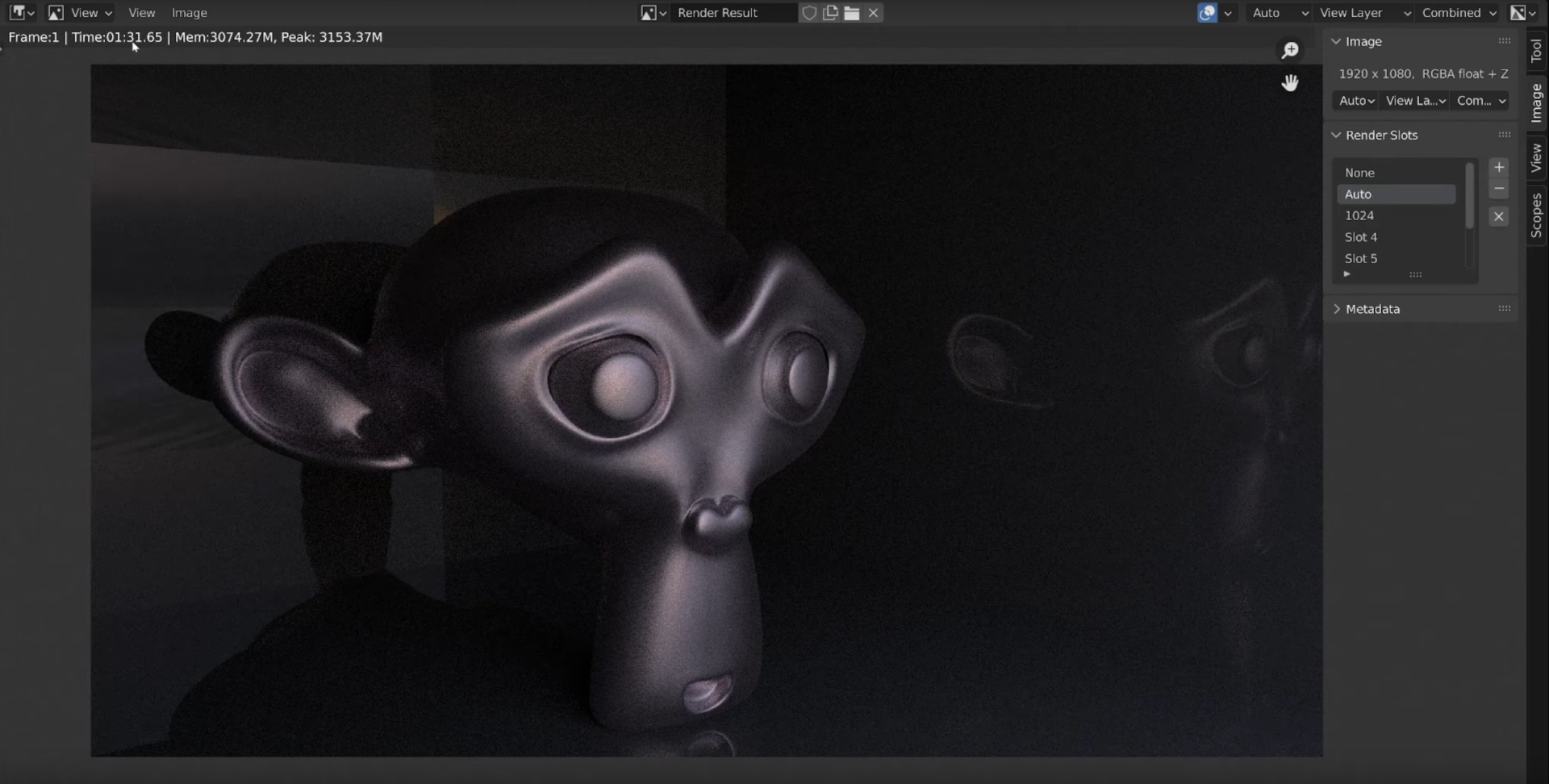
"Auto"in the case of,Rendering time is 91.6 secondsis.Much less white noise, but almost 10x longer rendering time.
"Manual"in the case of,Render time is 11.1 secondsis.Less white noise and less rendering time.
In order to make the scene more realistic, there are many opportunities to map HDRIs to the background, so these tips are very helpful.


 EN
EN  JA
JA