
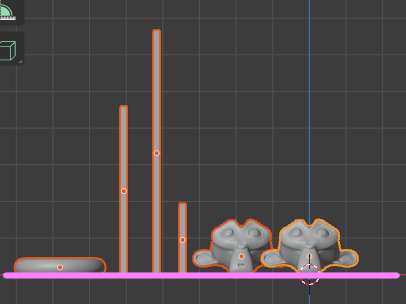
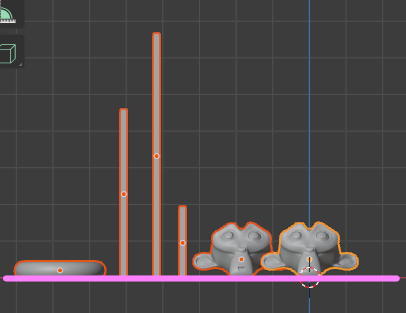
align objects
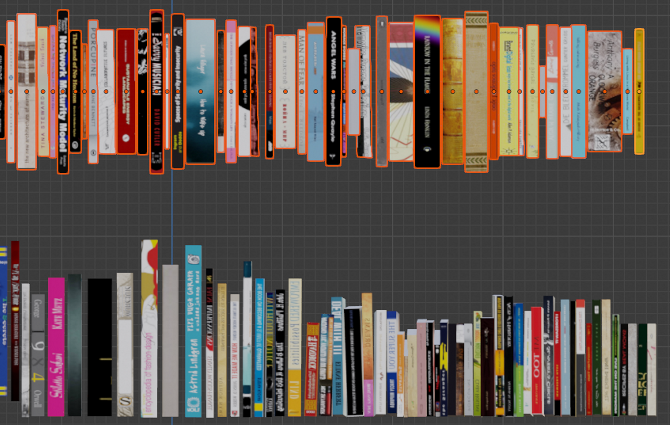
When decorating books and figures on the shelf,Align the height position of multiple objectsYou may. Here's how to make this task as easy as possible.
This time, I will match the height with Suzanne on the far left.
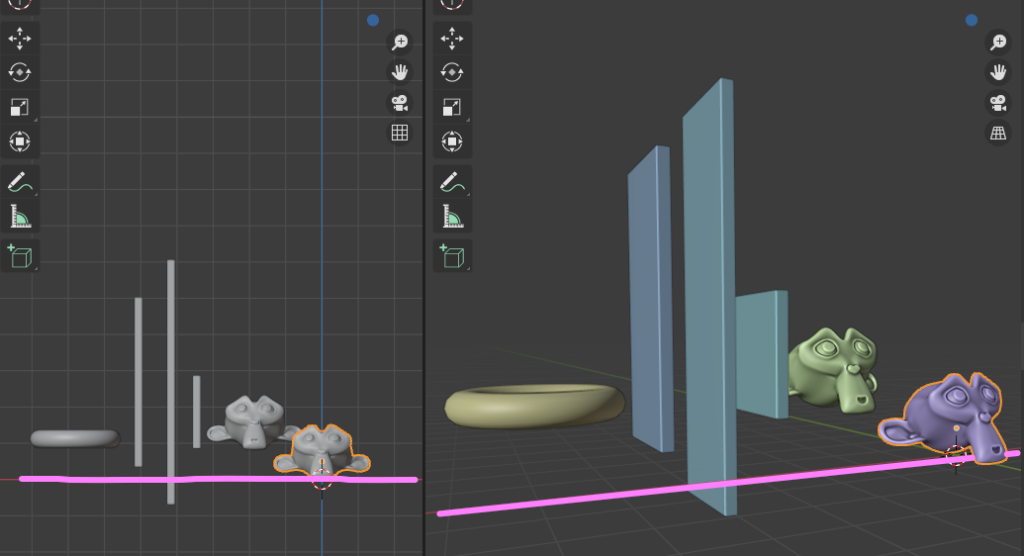
Take advantage of the Align Tools Addon
Blender's default "Align Tools Addon” is enabled.
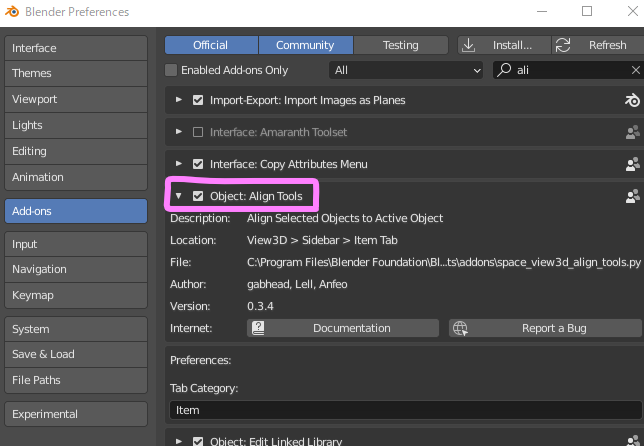
on the Item tabAlign Toolsis displayed.
Select all the objects so that Suzanne on the far right is the active object.
From Align Location in Align ToolsZ.”.
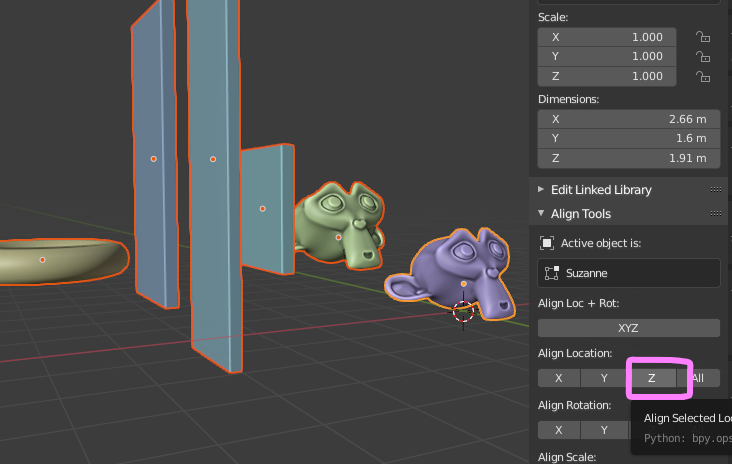
But for each objectThe base points are aligned in the height direction Z.
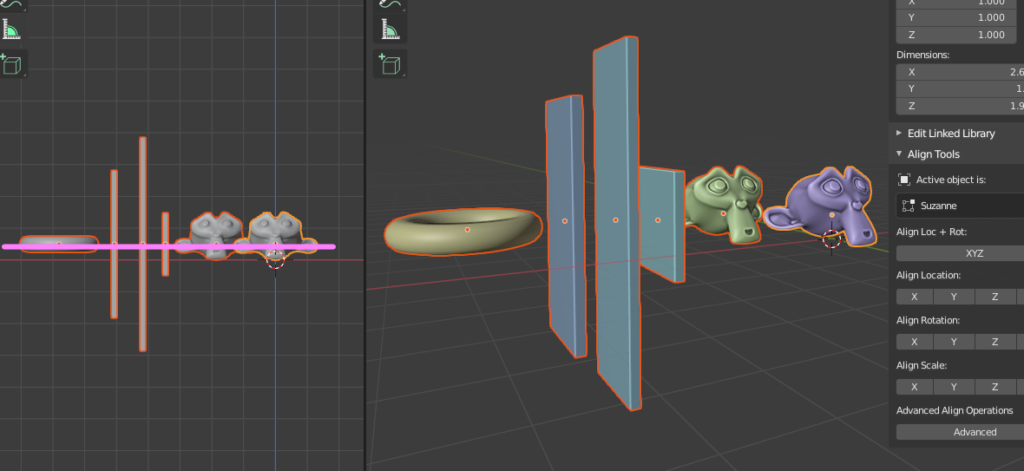
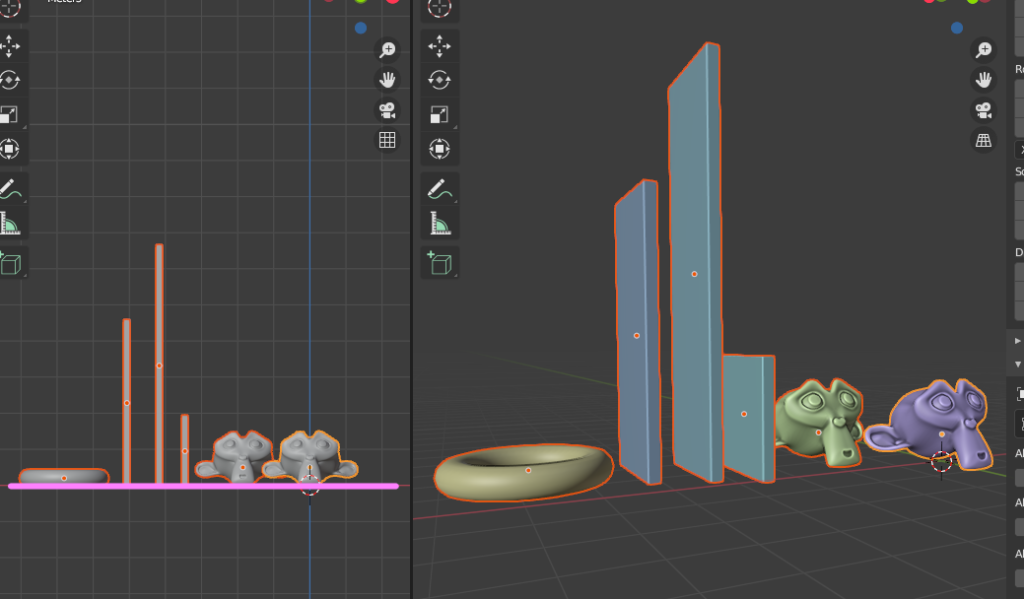
The intention this time is toThe lowest point of each object aligns with the lowest point of Suzanne on the leftThat should have been the case.
For this,AdvancedOpen Options.
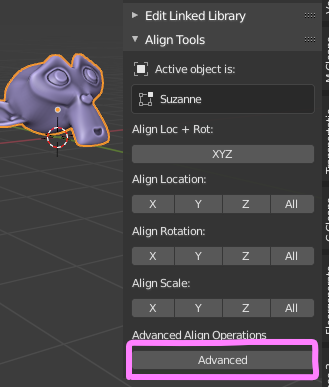
I think the default settings are as follows.
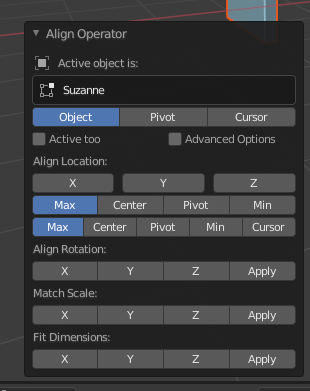
Change this to the setting below.
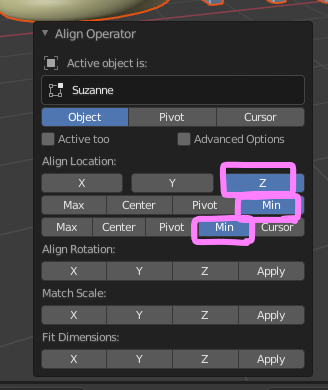
The lowest point of each object (Min Z) is now aligned with the lowest point (Min Z) of Suzanne on the left.
With this method, even if the number of objects increases, it can be handled easily.

 EN
EN  JA
JA